
Disperse All Points disperses all points in an overlay that fall directly on top of each other or are part of a multipoint feature.
In the context of housing applications this feature can be helpful when displaying information for different properties at the same location. Using the Disperse All Points command all individual property information points on an overlay can be dispersed at a specified radius around the location of the original points.
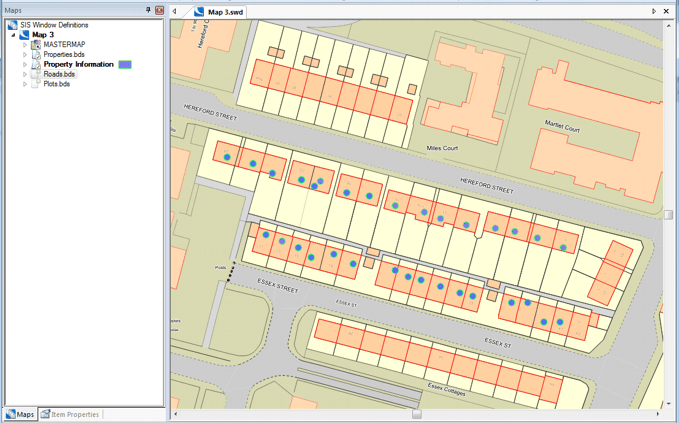
Consider the following overlays; Properties and Property Information:
Select the Disperse All Points command.
The Select Overlay which contains area items dialog will be displayed:
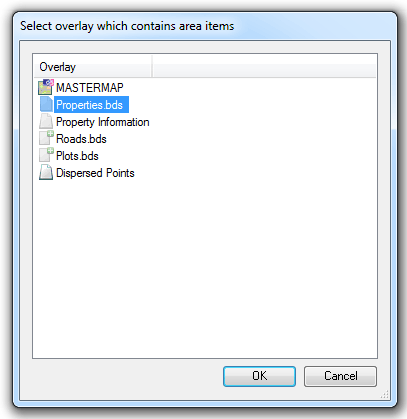
Select the overlay containing the area items and click OK.
The Disperse Points dialog will be displayed:
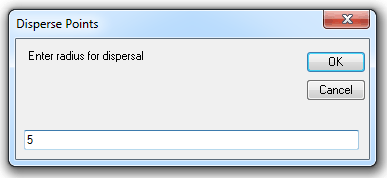
Enter the required radius in the current units.
In this example 5 is entered.
Assuming the current units are metres the individual points will now be dispersed at a radius of 5m around the original overlaid points.
Click OK.
The Select Overlay which contains points to disperse dialog will be displayed:
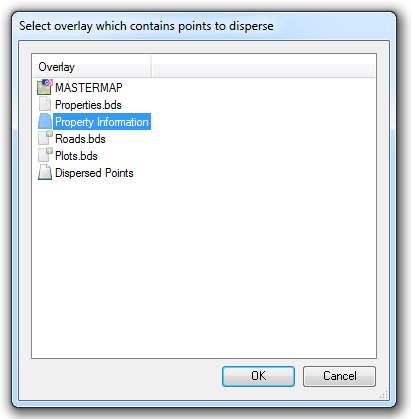
Select the overlay containing the point items and click OK.
A progress bar will be displayed during the calculation:
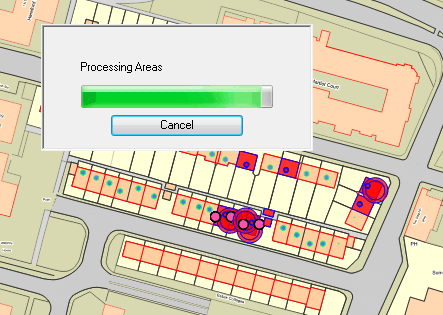
Note: This process may take a long time if a large number of points are involved.
The dispersed points will be created on a new overlay named Dispersed Points.
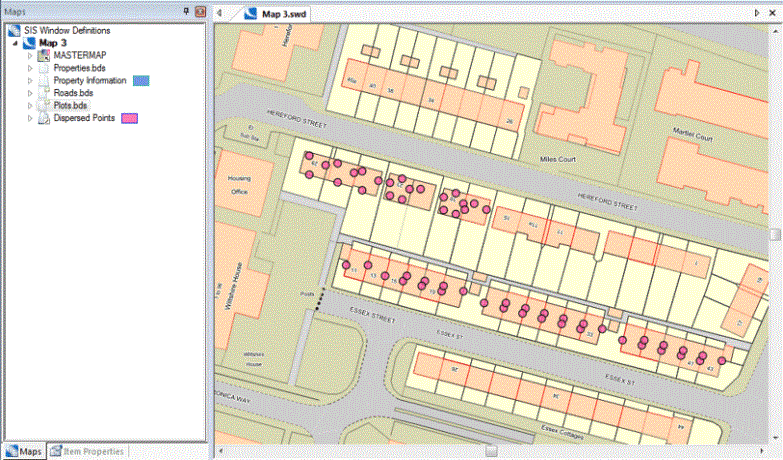
Note: The dispersed points will be centred around the individual Polygons and may therefore not be centred around the overlaid points.
Send comments on this topic.
Click to return to www.cadcorp.com
© Copyright 2000-2017 Computer Aided Development Corporation Limited (Cadcorp).